
Digital identity protection best practices are the specific, repeatable steps that prevent unauthorized access to your accounts, finances, and personal data online. Identity fraud costs Americans $12.5 billion annually according to FTC figures, with industry analysts placing the true total closer to $47 billion when indirect losses are counted. Recovery takes hundreds of hours spread across multiple years. The good news is that most successful attacks exploit preventable gaps. The practices below close those gaps systematically, from authentication to data minimization to continuous monitoring.
1. Build passwords that are long, unique, and managed
Strong passwords require at least 16 characters mixing uppercase letters, lowercase letters, numbers, and symbols. Length matters more than complexity alone. A 16-character random string is exponentially harder to crack than an 8-character “complex” one.
Password reuse is the single biggest structural weakness most people carry. When one site is breached, every account sharing that password becomes vulnerable. A password manager solves this by generating and storing a unique credential for every account.
- Use a reputable password manager such as Bitwarden or 1Password to generate and store credentials.
- Never create “variations” of a base password (e.g., Password1!, Password2!). Attackers test these patterns first.
- Store your master password somewhere physically secure, not in a notes app.
- Enable biometric unlock on your password manager app for daily convenience without sacrificing security.
Pro Tip: Bitwarden offers a fully featured free tier. There is no reason to store passwords in a browser’s built-in manager when a dedicated vault exists.
2. Move beyond SMS: use hardware keys and authenticator apps
SMS-based two-factor authentication is vulnerable to SIM swapping, where an attacker convinces your carrier to transfer your number to their device. Once they control your number, every SMS code you receive goes to them instead.
Hardware security keys such as YubiKey use cryptographic verification tied to a physical device. They cannot be phished remotely because the key must be physically present. Authenticator apps like Google Authenticator and Authy are a strong middle ground when hardware keys are not practical.
- Replace SMS codes with an authenticator app on every account that supports it.
- Use a hardware security key for your most critical accounts: email, banking, and cloud storage.
- Store a backup hardware key in a secure location in case your primary is lost.
- Disable SMS recovery options on accounts where stronger MFA is active.
Pro Tip: Authy backs up your authenticator tokens to the cloud with encryption, which prevents losing all your codes if your phone is stolen or replaced.
3. Secure your email account above everything else
Your primary email account is the master key to your entire online identity. Every password reset, every account recovery, and every financial notification flows through it. If an attacker controls your email, they control everything connected to it.
Apply your strongest available MFA to your email account first, before any other account. Use a hardware security key if possible. Choose a provider with a strong security track record and review active sessions regularly to spot unauthorized logins.
Separating your anchor identity from your public-facing accounts adds another layer of protection. Keep one private email address for banking and government accounts. Use a different address for social media, newsletters, and public sign-ups. A breach of your public address then cannot cascade into your financial accounts.
4. Freeze your credit with all three bureaus
A credit freeze blocks lenders from accessing your credit report to approve new accounts. That means even if a thief has your Social Security number and date of birth, they cannot open a credit card or loan in your name while the freeze is active.
Placing a credit freeze with Equifax, Experian, and TransUnion is free. You must freeze all three separately, because lenders use different bureaus. The freeze stays in place until you lift it, which you can do temporarily online when you need to apply for credit yourself.
- Go to each bureau’s website directly: Equifax.com, Experian.com, and TransUnion.com.
- Create an account and verify your identity with each bureau.
- Request a security freeze. Save the PIN or confirmation code each bureau provides.
- Lift the freeze temporarily only when you initiate a credit application, then re-freeze immediately after.
Security experts consistently call the credit freeze the single most effective financial identity theft prevention measure available to individuals. It costs nothing and stops the most financially damaging form of fraud before it starts.
5. Scrub your data from brokers regularly
Data brokers accumulate your home address, phone number, relatives’ names, employer history, and more, then sell that information to anyone willing to pay. Attackers use this data to craft convincing social engineering attacks or to answer security questions on your accounts.
Removing your information from data brokers reduces the raw material available for those attacks. The catch is that brokers re-list data constantly, so a one-time removal is not enough. You need a recurring process.
- Submit opt-out requests manually to the largest brokers: Spokeo, Whitepages, BeenVerified, and Intelius.
- Use automated removal services to handle the ongoing re-listing problem at scale.
- Audit your social media profiles and remove your phone number, hometown, and employer from public view.
- Use separate email aliases per service to prevent brokers from linking your accounts across platforms.
Pro Tip: SimpleLogin and Apple’s Hide My Email both generate unique aliases that forward to your real inbox. If one alias starts receiving spam, you know exactly which service sold your data.
| Data broker category | Risk level | Removal method |
|---|---|---|
| People search sites | High | Manual opt-out per site |
| Marketing data aggregators | Medium | Automated removal tools |
| Public records databases | High | Manual opt-out, some require ID |
| Social media data harvesters | Medium | Profile privacy settings |
6. Monitor your digital identity continuously
Identity monitoring is now as critical as antivirus protection. Attackers increasingly use stolen credentials rather than malware to access accounts. That means a breach you do not know about is an open door that stays open indefinitely.
Early detection limits the damage. The faster you spot unauthorized activity, the faster you can lock accounts, dispute charges, and prevent further access.
- Check Have I Been Pwned regularly to see if your email addresses appear in known data breaches.
- Set up transaction alerts on every bank account and credit card so you receive a notification for every charge.
- Review your credit reports at least quarterly through AnnualCreditReport.com. Look for accounts you did not open and inquiries you did not authorize.
- Set Google Alerts for your full name, phone number, and any usernames you use publicly.
- Enable new device login alerts on your email, social media, and financial accounts.
Monitoring does not prevent breaches. It shortens the window between a breach and your response. That window is where most of the damage happens. You can also learn more about online privacy risks that affect public-facing individuals to understand what attackers look for first.
7. Understand what digital identity actually means
Digital identity is not just your username and password. It is the full collection of data points that identify you online: your behavioral patterns, device fingerprints, location history, purchase records, and biometric data. Modern identity protection requires moving from passwords to cryptographic credentials such as passkeys and hardware-bound verification.
Passkeys, built on the FIDO2 standard, replace passwords entirely with a cryptographic key pair. One key stays on your device; the other lives with the service. There is no password to steal, phish, or reuse. Major platforms including Google, Apple, and Microsoft now support passkeys. Enabling them where available is one of the most forward-looking steps you can take right now.
Understanding this shift matters because it changes how you think about protecting personal information. The goal is not just a stronger password. The goal is removing the password as a vulnerability entirely.
Key Takeaways
The most effective approach to digital identity protection combines hardware-bound authentication, credit freezes, data broker removal, and continuous monitoring into a single ongoing practice.
| Point | Details |
|---|---|
| Use a password manager | Generate and store unique 16-character passwords for every account without reusing any. |
| Upgrade your MFA | Replace SMS codes with an authenticator app or hardware security key on all critical accounts. |
| Freeze your credit | Place free freezes with Equifax, Experian, and TransUnion to block unauthorized new accounts. |
| Scrub data brokers | Submit opt-out requests regularly and use email aliases to limit data linkage across services. |
| Monitor continuously | Set breach alerts, transaction notifications, and quarterly credit report reviews to catch fraud early. |
What Sidenty has learned about digital identity risk
The most dangerous assumption people make is that identity protection is a one-time setup. You change your passwords, turn on two-factor authentication, and consider yourself done. That is not how attackers operate.
What we see consistently at Sidenty is that the accounts most at risk are not the ones with weak passwords. They are the ones that were secured once and then forgotten. An email address that was strong in 2022 may now appear in three separate data breaches. A phone number listed on a social media profile from five years ago is still feeding data brokers today.
The shift toward cryptographic credentials like passkeys and FIDO2 hardware keys is real and accelerating. Passwords and SMS codes are a transitional technology at this point. The people who treat identity protection as a continuous process rather than a checklist are the ones who avoid the worst outcomes.
Securing your email account first is not just good advice. It is the structural foundation everything else rests on. We have seen cases where every other account was locked down tightly, but the email account used for recovery had weaker protection. That single gap was enough. Guard your email like the master key it is.
— Sidenty
How Sidenty protects your digital identity professionally
Knowing the best practices is the first step. Implementing and maintaining them under real-world pressure is where most people need support.
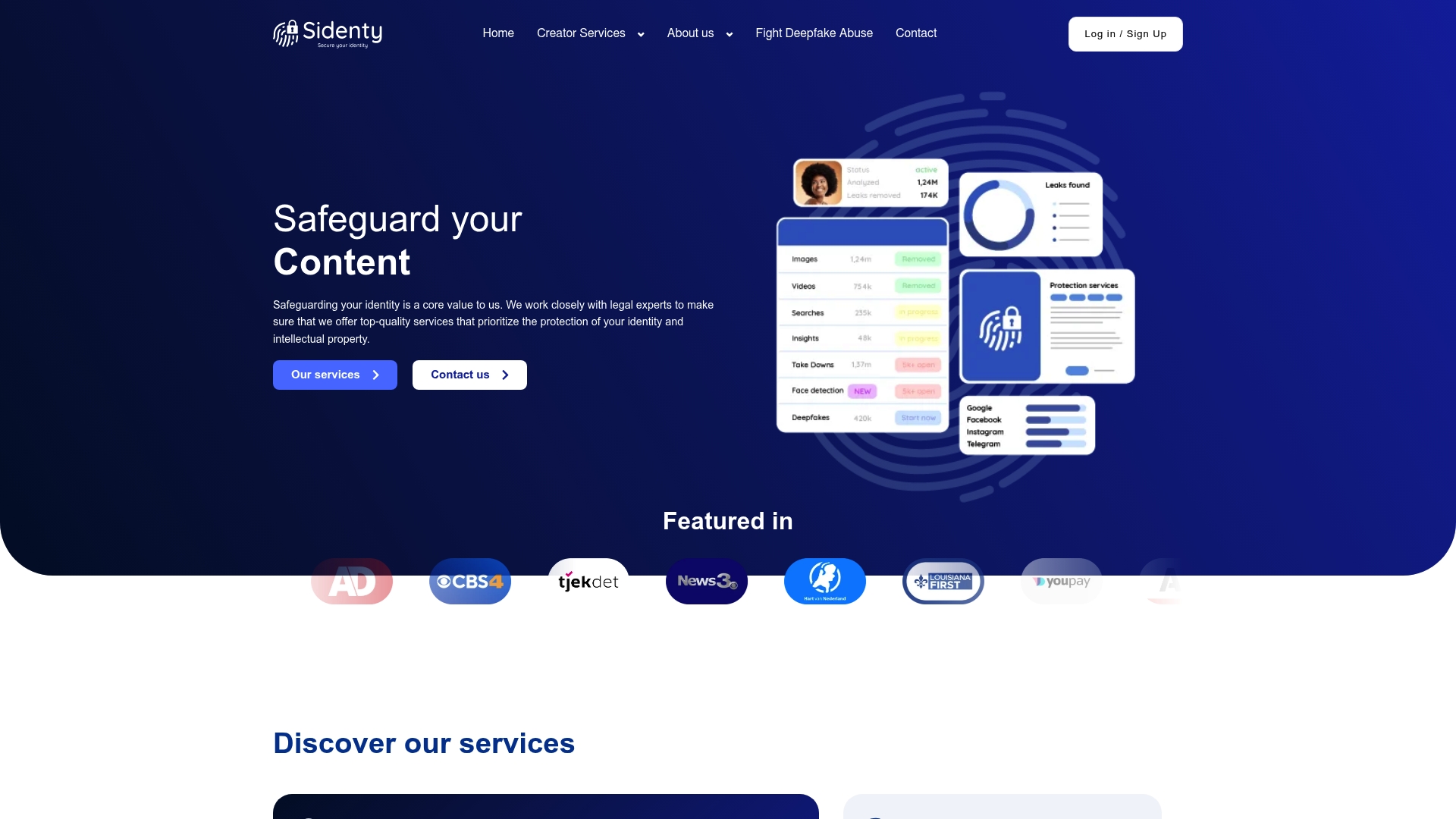
Sidenty offers professional digital identity protection for individuals and content creators who need more than a checklist. With a 99.8% success rate in content removal, Sidenty’s team handles unauthorized content takedowns, deepfake removal, and DMCA enforcement across platforms including OnlyFans and Twitch. If your personal information or creative work has already been exposed, Sidenty’s protection services give you a clear path to reclaiming control. For creators dealing with leaked content specifically, the DMCA protection service covers the full removal process from detection to confirmed takedown.
FAQ
What is digital identity protection?
Digital identity protection is the practice of securing all data points that identify you online, including credentials, behavioral data, and personal records. It combines authentication controls, monitoring, and data minimization to prevent unauthorized access and fraud.
Why is digital identity protection essential?
Identity fraud costs Americans billions of dollars annually and takes hundreds of hours to resolve. Protecting your digital identity prevents financial loss, reputational damage, and the long recovery process that follows a serious breach.
What is the single most effective identity theft prevention step?
Placing a free credit freeze with Equifax, Experian, and TransUnion blocks nearly all unauthorized new credit accounts. Security experts consistently rank it as the highest-impact financial protection measure available to individuals.
How do I know if my data has already been exposed?
Check Have I Been Pwned by entering your email address to see if it appears in known data breaches. Set up transaction alerts on financial accounts and review your credit reports quarterly for accounts or inquiries you do not recognize.
Are passkeys safer than passwords?
Yes. Passkeys use FIDO2 cryptographic key pairs, which means there is no password to steal, phish, or reuse. Major platforms including Google, Apple, and Microsoft support passkeys, and enabling them removes one of the most common attack vectors entirely.