
A content creator privacy checklist is the structured set of security habits that separates creators who control their digital identity from those who lose it. Cybersecurity analysts confirm that 81% of data breaches stem from weak or stolen credentials. That single statistic defines the starting point for every creator’s 2026 online safety strategy. Data brokers hold commercial files on approximately 250 million Americans, meaning your real name, address, and phone number are likely already for sale. The checklist below covers passwords, multifactor authentication (MFA), identity segregation, app audits, phishing defense, and data broker management. Work through each section and treat it as a recurring workflow, not a one-time setup.
1. Content creator privacy checklist 2026: passwords and phishing-resistant MFA
Strong credentials are the single most effective defense against account takeover. 81% of breaches trace back to weak or reused passwords. That means a password manager is not optional. It is the foundation of your entire security posture.

Use a password manager such as Bitwarden or 1Password to generate and store unique, random passwords for every account. Never reuse a password across platforms. One breach on a minor site can cascade into a full account takeover on your monetized channels.
Standard SMS-based two-factor authentication is no longer sufficient. Traditional 2FA is inadequate against session cookie theft, which is the method attackers use to bypass authentication entirely. Hardware security keys use cryptographic ties to specific devices, making stolen session cookies useless even if a phishing attempt succeeds.
- Use a password manager for every account, including low-priority ones
- Enable hardware security keys (such as YubiKey) on email, YouTube, and payment accounts
- Adopt passkeys wherever platforms support them, as they replace passwords entirely
- Avoid SMS-based 2FA for high-value accounts; use an authenticator app at minimum
- Review active sessions weekly and revoke any you do not recognize
Pro Tip: Your email account is the master key to every other account. Secure it first with a hardware key before touching anything else.
2. Separating your personal and creator digital identities
A single compromised identity can cascade across every platform you use. Separating creator and personal digital identities by using distinct emails and recovery options prevents that cascade from happening. This practice is called identity segregation, and it is one of the most underused privacy tools available to creators.
Create a dedicated business email address that you use exclusively for platform sign-ups, brand deals, and creator accounts. Keep your personal email completely separate and never cross-link the two. Use a virtual phone number service for creator account verification so your real number stays private.
Maintain separate payment methods for creator income and personal expenses. Use a business bank account or a dedicated payment processor account for sponsorship payments. This limits financial exposure if a creator account is ever compromised.
- Use one email for creator platforms, a separate one for personal life
- Set up unique recovery phone numbers and backup emails for each identity
- Use a P.O. box or virtual mailbox address for any public-facing business registration
- Create separate social media accounts for your creator persona and personal life
- Never link personal accounts as backup recovery options for creator accounts
Pro Tip: Build a sign-up template that lists every field you fill in for new accounts. Keeping that template consistent prevents you from accidentally using personal details on creator accounts.
3. Auditing connected apps and permissions monthly
Many creators connect dozens of third-party apps during their first year and never review them again. That neglect creates silent data leakage. Security should be treated as a recurring operational workflow, including scheduled audits, credential rotation, and removal of stale app permissions.
Before connecting any AI or third-party tool, evaluate data access, necessity, retention, and revocation ease to reduce security risk. Most creators skip this step entirely. An app that requested read access to your email two years ago may still have it today.
Set a monthly calendar reminder to audit connected apps on every platform you use. Revoke access for any app you no longer use actively. Rotate API keys immediately after ending a contract with a freelancer or agency.
| Permission type | Risk level | Recommended action |
|---|---|---|
| Read-only analytics | Low | Review annually |
| Post on your behalf | Medium | Audit every 90 days |
| Access to direct messages | High | Revoke if unused |
| Full account management | Critical | Limit to one trusted app only |
| Payment or billing access | Critical | Revoke immediately after use |
Check cloud storage sharing settings quarterly. Revoke access to shared folders for collaborators who are no longer active. Review what data each connected app retains and for how long.
4. Managing data broker profiles and opting out
Data brokers compile commercial files on approximately 250 million Americans from public records, app trackers, and purchase histories. As a public-facing creator, your information is a high-value target. Brokers sell your home address, phone number, and family connections to anyone willing to pay, which creates a direct doxxing risk.
Manual opt-outs are time-consuming but necessary. Start with the largest brokers: Spokeo, Whitepages, BeenVerified, and Intelius all have opt-out request forms. Submit removal requests and document the date of each submission. Many brokers re-add your information after 90 days, so this is not a one-time task.
Automated opt-out services can handle ongoing removals across hundreds of brokers simultaneously. These services monitor for re-listings and resubmit removal requests on your behalf. The cost is typically low relative to the risk they mitigate.
- Search your full name and city on major broker sites to assess your current exposure
- Submit opt-out requests to the top 20 brokers manually as a starting point
- Use an automated removal service for ongoing suppression
- Freeze your credit reports with Equifax, Experian, and TransUnion to block financial identity theft
- Set a quarterly calendar reminder to recheck your broker profiles
Pro Tip: Schedule your data broker audit for the first week of each quarter. Treat it like a bill payment: non-negotiable and recurring.
5. Defending against phishing attacks targeting creators
Phishing attacks targeting creators are increasingly personalized, leveraging fake sponsorship invoices and urgent takedown threats to bypass security protocols. These are not generic spam emails. Attackers research your brand, mimic your actual sponsors, and craft messages that feel completely legitimate.
The most dangerous phishing attempts arrive as urgent DMs claiming your account will be terminated unless you verify your credentials immediately. YouTube channel hijacking, for example, can happen within hours of a successful phishing click. Recovery windows can be extremely short. Having a response plan ready before an attack happens is the difference between a close call and a total loss.
Pre-drafted incident response templates and familiarity with official recovery forms let you act within the critical window after a compromise. Save the direct links to Google’s account recovery page, Meta’s account support center, and your email provider’s recovery process. Do not search for these under pressure.
- Never click links in DMs or emails claiming urgent account action is required
- Verify all sponsorship invoices by calling the brand’s official number, not a number in the email
- Use session-bound credentials and hardware keys to prevent cookie theft even after a phishing click
- Bookmark official recovery pages for every platform you monetize
- Designate a trusted contact who can help you execute your recovery plan if you are locked out
6. Building a weekly and monthly security hygiene routine
Operationalizing security workflows instead of treating them as one-time setups dramatically reduces risk for creators. The creators who get compromised are almost always the ones who set up security once and assumed they were done. Security is a continuous workflow, not a checkbox.
Build a weekly habit of reviewing active login sessions on your primary platforms. Most platforms show you every device and location currently logged in. Any session you do not recognize warrants an immediate password change and session revocation.
Monthly tasks should include rotating credentials for high-risk accounts, auditing connected apps, and checking your data broker profiles. Routine quarterly testing of backup restores and rotation of credentials is the standard for maintaining effective security hygiene over time. Quarterly tasks should include a full review of your identity segregation setup and a credit report check.
Layered privacy habits focused on limiting data sharing and auditing what information leaks are the defining feature of creator security in 2026. Trackers and brokers increasingly aggregate creator data from multiple sources. Limiting what you share at the point of sign-up is far easier than removing it after the fact.
Key takeaways
The most effective content creator privacy strategy in 2026 combines phishing-resistant MFA, identity segregation, monthly app audits, and proactive data broker opt-outs into a single recurring operational workflow.
| Point | Details |
|---|---|
| Use phishing-resistant MFA | Hardware security keys stop session cookie theft that bypasses standard 2FA. |
| Segregate your identities | Separate emails, phone numbers, and recovery options prevent cascading account takeovers. |
| Audit apps monthly | Remove stale permissions and rotate API keys after every contractor change. |
| Opt out of data brokers | Submit removal requests quarterly to suppress your address and contact details from broker databases. |
| Prepare an incident response plan | Pre-draft recovery templates and bookmark official platform recovery pages before you need them. |
Sidenty’s take on creator privacy in 2026
The creators who contact us after a breach almost always say the same thing: they knew they should have done more, but security felt like something to handle later. Later never comes until something goes wrong.
What I have seen working with creators across platforms is that the gap between protected and exposed is not technical knowledge. It is operational discipline. The creators who stay protected are the ones who block time on their calendar for security reviews the same way they block time for content production. They treat a monthly app audit the same way they treat posting consistently: as a non-negotiable part of the job.
The threat environment in 2026 is more personal than it has ever been. Attackers are not running generic scripts. They are researching your sponsors, your posting schedule, and your collaborators before crafting a phishing message. That level of targeting means generic defenses are not enough. You need layered protection: hardware keys, identity segregation, data broker suppression, and a written incident response plan.
The hardest part is starting. Once you build the first routine, the rest follows naturally. Security hygiene becomes muscle memory. And when something does go wrong, you are ready to respond in minutes instead of panicking for hours.
— Sidenty
How Sidenty protects creators beyond the checklist
Even the most disciplined security routine cannot prevent every leak. When unauthorized content appears online, you need more than a checklist. You need enforcement.
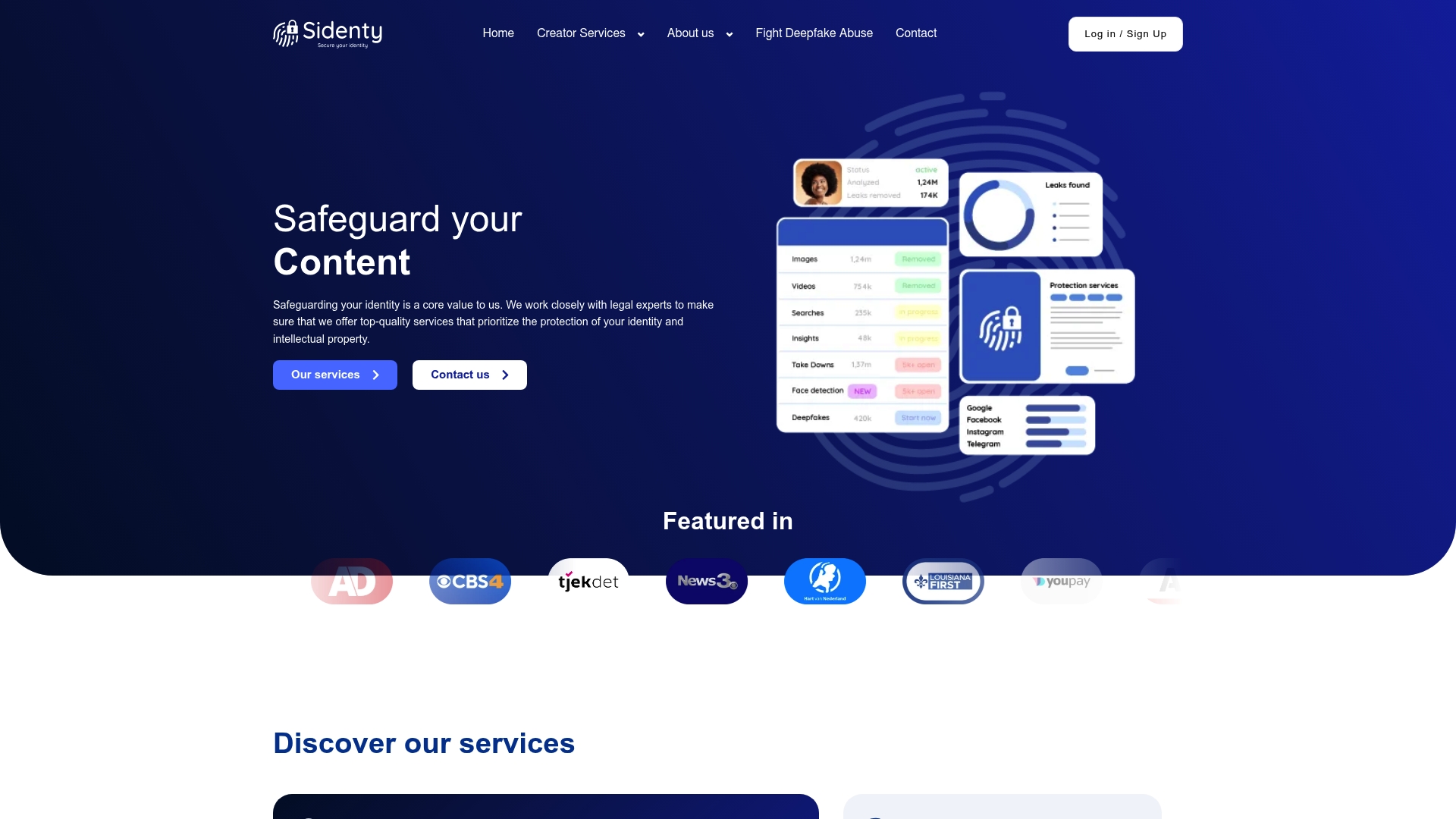
Sidenty specializes in digital identity protection and content removal for creators across platforms including OnlyFans and Twitch. With a 99.8% success rate in content removal, Sidenty’s legal team handles DMCA enforcement, leaked content removal, and deepfake takedowns on your behalf. If your content has already been shared without your consent, Sidenty’s anti-piracy solutions identify unauthorized copies and pursue removal across hosting providers, search engines, and social platforms. You focus on creating. Sidenty handles the enforcement.
FAQ
What is the most important step in a creator privacy checklist?
Securing your email account with a hardware security key is the single most critical step. Your email controls account recovery for every other platform you use.
How often should creators audit their connected apps?
Audit connected apps monthly and revoke access for any app you no longer use actively. Rotate API keys immediately after ending any contractor or agency relationship.
What are data brokers and why do they matter for creators?
Data brokers compile and sell personal information, including home addresses and phone numbers, on approximately 250 million Americans. Public-facing creators are high-value targets for doxxing through broker databases.
Is SMS-based two-factor authentication safe enough for creators?
SMS-based 2FA is not sufficient for high-value accounts. Hardware security keys and passkeys provide far stronger protection because they cannot be bypassed by session cookie theft.
What should creators do immediately after a phishing attack?
Revoke all active sessions, change your password, and submit an account recovery request using the platform’s official recovery form. Pre-drafted templates and bookmarked recovery pages let you act within the critical window.